
Rewrite: Paraphrase
your writing for free
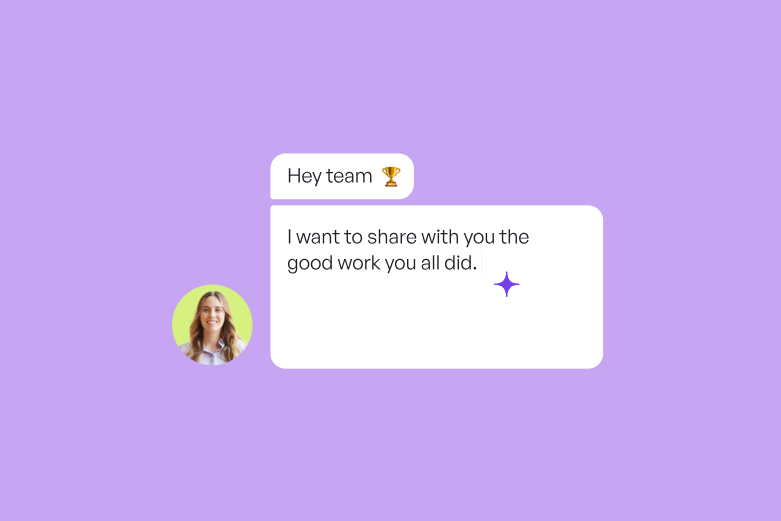
Why settle for generic content? Choose an AI writing generator that allows you to create and edit content as well as continue writing for you based on your unique context.
Do more with Rewrite. Much more.
How to start rewriting
Follow these 6 steps to reword emails, paraphrase academic sources, avoid plagiarism, or even fine-tune text messages.
- 01. Sign up for Wordtune (it’s free)
- 02. Write or paste your text
- 03. Highlight the text you want to paraphrase
- 04. Click “Rewrite”
- 05. Choose a paraphrasing suggestion
- 06. Pick the tone and/or length of your choice
Choose the right tone
for any situation
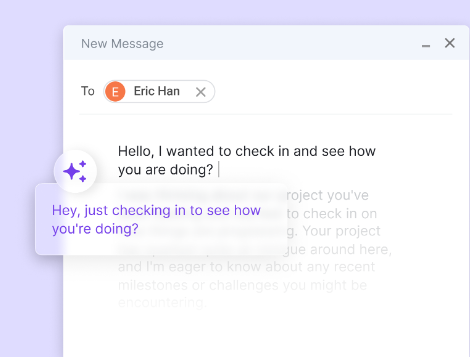
Go formal or go casual. Be brief or be lengthy. Rewrite uses AI to adjust your writing style and tone — changing your sentences to fit any situation so that you sound like the best version of yourself. Every time.
I have some exciting news to share with you.
An AI paraphraser with a human touch
Produce unique pieces of writing that are error-free,
context-based, and devoid of plagiarism.
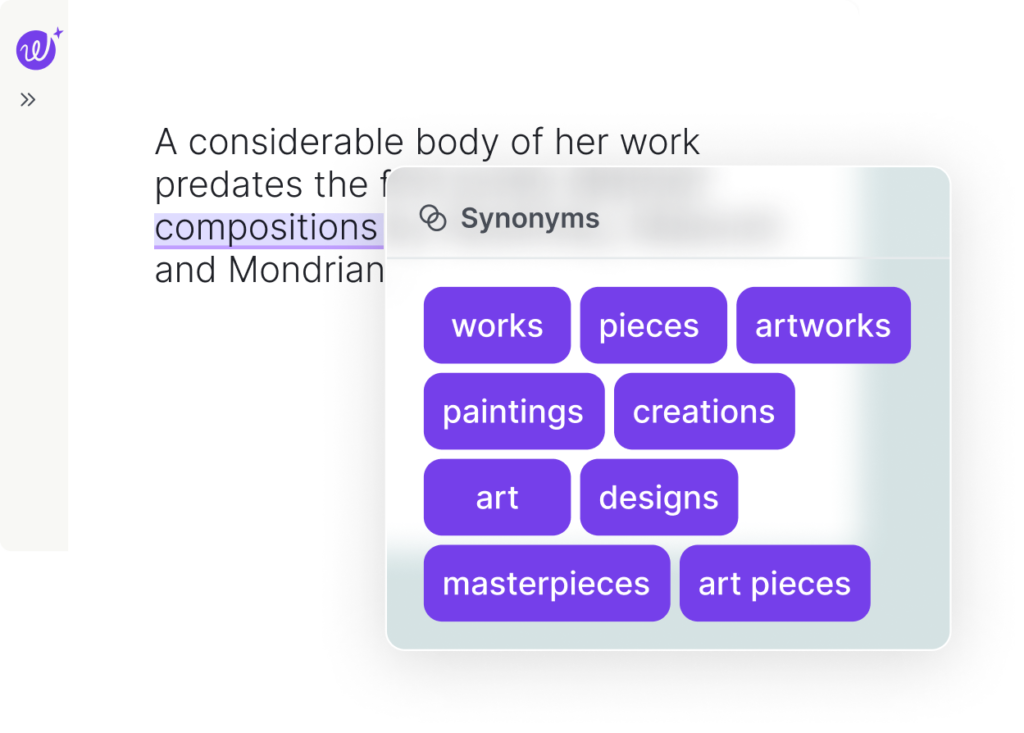
Synonyms
Boost your vocabulary and fine-tune your writing by choosing the best word for whatever it is you’re trying to say.
AI text humanizer
Boost your vocabulary and fine-tune your writing by choosing the best word for whatever it is you’re trying to say.
Join 10s of millions of users who use Wordtune to go beyond their English boundaries
"Lorem ipsum dolor sit amet, consectetur adipiscing elit. Curabitur laoreet cursus volutpat. Aliquam sit amet ligula et justo tincidunt laoreet non vitae lorem. Aliquam porttitor tellus enim, eget commodo augue porta ut. Maecenas lobortis ligula vel tellus sagittis ullamcorperv vestibulum pellentesque cursutu.

A paraphrasing tool for anyone and everyone
Better writing. Better grades.
Are you a student? Improve your grades with top-notch essays and
research papers that are thought out, well-written, and plagiarism-free.
Present yourself as the professional you are.
Bolster your reputation and never worry about being embarrassed or misunderstood again by creating emails and messages that are clear,
concise, and on-point.
Speak like a native. Sound like a natural.
Communicate with flawless, native-level English that will help you
connect with others and ensure that you focus on what you wish to say instead of how to write it.
With you,
anywhere you work
Whether you're on your desktop, mobile device, or using your favorite apps, we are there for you.
Get Wordtune


Rewriting 101
Using Wordtune Rewrite gives you access to handy tools like rephrasing, shortening or lengthening sentences as well as finding synonyms for single words. Let’s take a closer look at the ways Wordtune can help you improve your text.
Wordtune Rewrite can work as your own personal online proofreading tool. Simply write or paste in your text, and Wordtune Rewrite will analyze it, flagging any potential punctuation mistakes, typos, or grammatical errors, and suggest multiple ways for you to correct them.
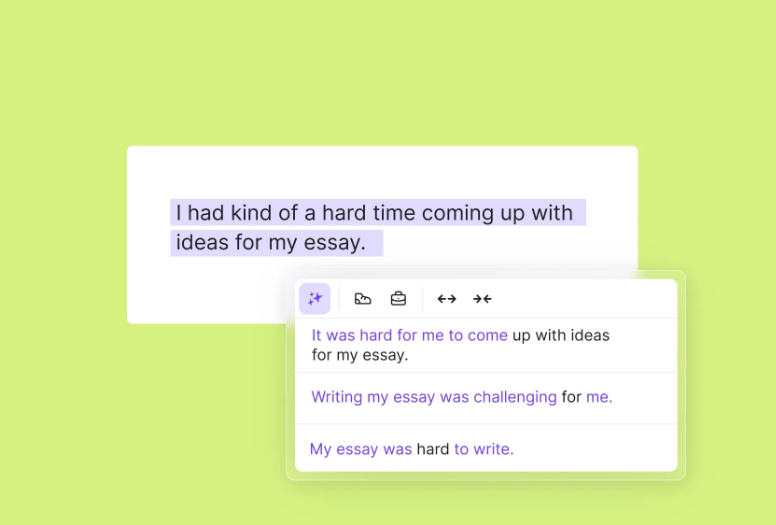
Rephrasing lets you find new ways to say something and adjust your writing for clarity, conciseness, and readability. It can help to remove ambiguity, improve the flow of ideas, and make the text easier to understand. Rephrasing can also help to make writing more interesting and engaging, adding depth to what you have to say. It’s also a great way to avoid repetition and make your writing more concise. Plus, if you’re a student, it can be a great way to avoid plagiarism.
Use Wordtune’s Rewrite feature to discover synonyms and add variety to your writing. Simply highlight a word and click Rewrite to receive a list of suggested synonyms to choose from.
Easily change between formal to casual tones of voice. This is useful when you’re tailoring your writing to a specific audience. To switch between the two in Wordtune, simply select a sentence or paragraph and choose Casual or Formal at the top of your Editor. Wordtune will then offer a list of suggestions in your desired tone for you to choose from.
Need to expand on a point? Click Expand and Wordtune will lengthen your sentence. Too wordy? Hit Shorten. Wordtune can help to provide structure to your writing by adjusting sentence length. This cleans up your writing and makes it easier to read.
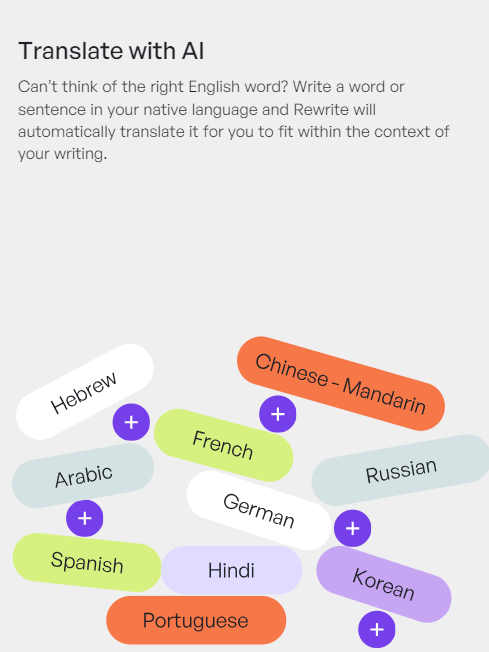
You can write full sentences in multiple languages with Wordtune’s Editor and Extension tools. When using these features, Wordtune will automatically translate your text into English. Alongside translating and rewriting whole paragraphs, you’ll also receive rephrasing recommendations in English if you subscribe to Advanced or Unlimited.
Everything you need
to keep your words flowing
Produce AI content
Wordtune is the ultimate AI writing assistant, as it can continue writing text
for you based on your writing style. and based on your writing style.
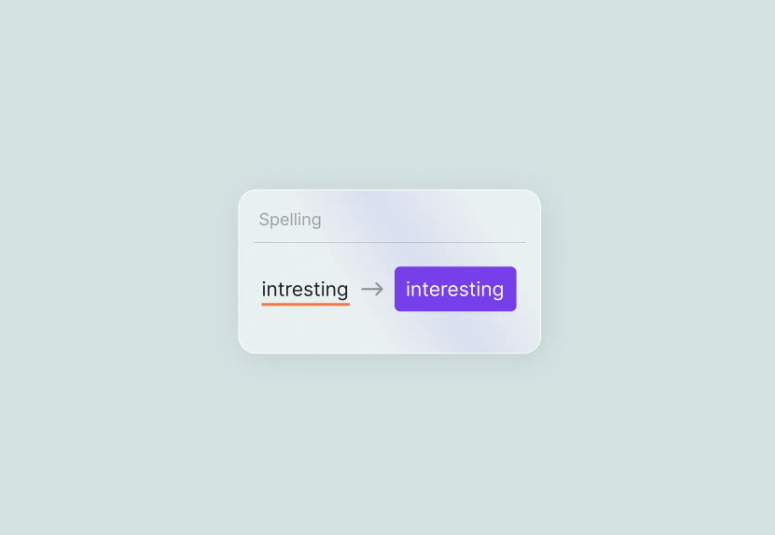
Identify typos before hitting ‘send’
Wordtune is also a very handy spell check tool, allowing you to
quickly review and correct any potential errors with one click.
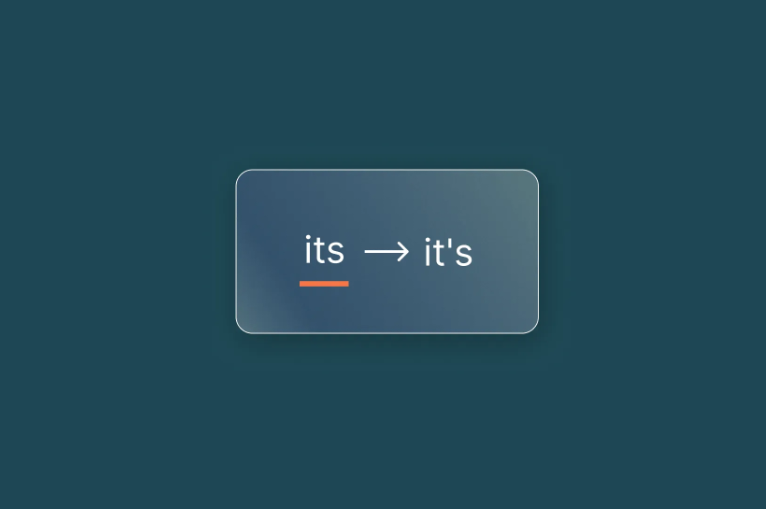
Catch grammatical errors in real time
Wordtune’s Grammar checker tool uses AI to flag grammatical errors
as soon as they are made, allowing you to fix them as you write.
Instant AI proofreading
Wordtune’s proofreading tool allows you to make sure
your work flows well and is easy to understand.
FAQ
Wordtune offers both free and premium plans. The free version offers up to 10 Rewrites and Spices, three AI generations, and three summaries a day. On top of that, you have unlimited grammar and spelling corrections. There are a range of premium plans with different features and pricing, including Advance, Unlimited, and Business options. Compare pricing and plans.
Yes, Wordtune integrates with other apps, including various web applications, your chosen internet browser, and Google Docs.
Wordtune has a variety of features, including grammar and spell check, Rewrite tools, a Summarizer, and your own personalized knowledge library. To learn more about the features, read this guide or check out our dedicated support section.
Yes. Wordtune has a smart synonym tool that allows you to highlight a single word and get a list of optional synonyms or substitutions. It also works on phrases, so you’re not just limited to single words.
Absolutely. You can easily switch between rewriting a sentence or a whole paragraph, too. When your Rewrite panel pops up, simply choose Sentence or Paragraph in the right-hand corner.
Yes. Wordtune is a fine choice for students who are working on essays, reports, or really any formal piece of writing. Unlike other AI tools, it actually cites its source of information, avoiding common AI problems like hallucinations or copycatting. The best part is it allows you to take even further steps to avoid plagiarism and assure that your work is your own by offering you a wide array of rephrasing options.
Yes. Wordtune’s AI-assisted translation can help you rewrite your text in English from any of these 10 languages: Chinese – Mandarin, Arabic, Hebrew, Korean, Hindi, Russian, Spanish, German, French, Portuguese. Simply click Rewrite and Wordtune will translate your text into English.